Roblox Sell Lemons Guide (Gouang GUI)
Welcome to the ultimate resource guide for the popular Sell Lemons simulator experience on Roblox. In this fast-paced tycoon and clicker game, efficiency is everything. Players must constantly manage their orchards, upgrade their production lines, and scale their citrus business to climb the global leaderboards. To help you maximize your daily lemon yields and automate the repetitive clicking loops, we are showcasing the premium features and setup process for the official Gouang GUI utility panel.
Below, you will find a comprehensive breakdown of what this automated tool offers, step-by-step installation instructions, and how to safely run the configuration framework.
⚡ Key Features & Mechanics Explained
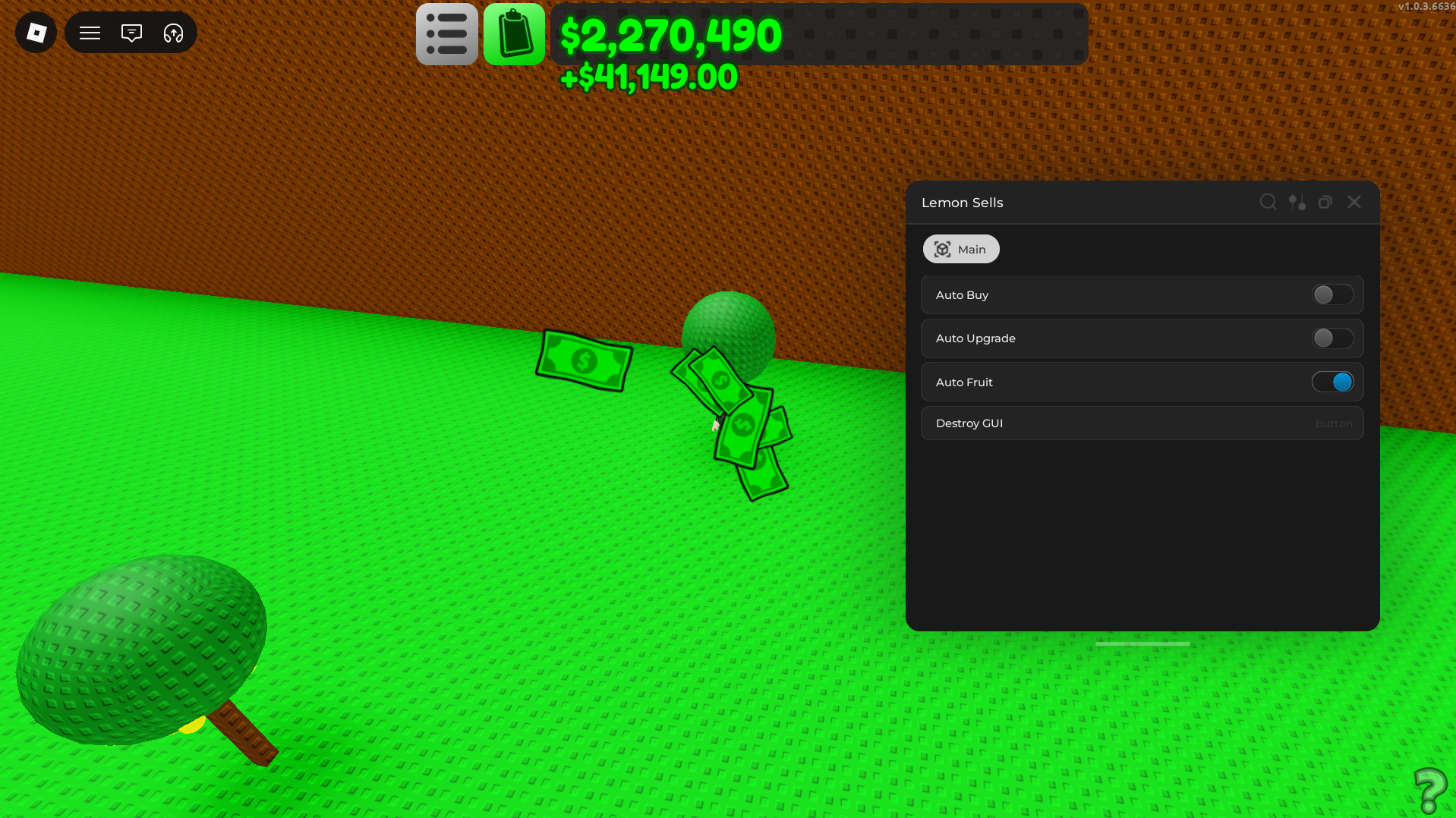
The Gouang GUI streamlines the core economic loops of Sell Lemons, allowing your tycoon to run completely optimized with maximum background productivity:
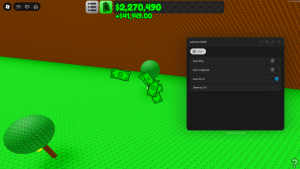
- Automated Asset Acquisition: This feature automatically buys new plots, trees, and essential business assets the exact millisecond your balance allows it. It completely removes the need to manually walk around and click purchase pads.
- Auto Upgrade System: To maximize your profit margins, your equipment needs constant leveling. This automated toggle continuously upgrades your operational efficiency, squeeze speed, and storage capacity in the background.
- Auto Fruit Harvester: Manually harvesting or interacting with your fruit trees can become exhausting. The auto fruit feature handles the collection phase instantly, ensuring that no resources go to waste and your production lines are always completely filled.
- Interface Decoupling Utility: If you need to quickly clear your screen or close out the utility menu to clean up your workspace interface, the built-in layout destroyer safely clears the overlay from your game client instantly.
🛠️ Step-by-Step Installation & Performance Activation
Here’s a straightforward, optimized method to load this interface profile directly into your currently running game application:
- Secure the Layout Strings: Click our verified repository gateway below to copy the raw Gouang configuration text directly to your clipboard.
- Initialize Your Performance Console: Open your preferred, updated desktop optimization engine or developer console framework.
- Boot the Active Session: Start your Roblox client application and load into an active Sell Lemons game server.
- Apply and Load Layout: Link your optimization console to the active game process, paste the copied code block into your primary configuration tab, and click apply. The Gouang GUI custom user interface overlay will instantly appear on your screen.
💾 [Sell Lemons] Open-Source Repository Access
To maintain strict structural transparency and user security, the raw text configuration for this framework is hosted via a secure external text repository. Click below to view the official, unedited source deployment code:
⚖️ Community Troubleshooting & Support
Configuration Inactivity? Because Roblox pushes out regular engine updates, custom interface dashboards can occasionally become outdated or temporarily paused by game client changes. If you find that a specific feature is failing to execute, make sure your preferred modding framework is fully updated to the latest live client version to keep your automated lemon orchard running flawlessly.
Credits: Full development credit for this incredibly optimized tycoon utility dashboard goes directly to the original talented community utility developer, Gouang.
Quick tip: Unlocking the best lemon stand might be difficult but this dashboard will help you out and get to the highest level enjoy gamers.

JJK is the creator and the founder of Bloxhacks with years of experience under him he dedicated to reviewing, debugging and also sharing the best game utilities, with step by installation guides online.