Roblox Driving Empire Guide (ATM Buster Pro)
Welcome to the definitive structural resource guide for Roblox Driving Empire, the fast-paced, high-octanDriving Empire hooks you immediately. The car roster is incredible, the open-world streets feel alive, and the moment you get behind the wheel of your first decent vehicle the appeal of building toward a proper hypercar collection becomes genuinely motivating. The early game is generous enough — missions pay out reasonably, jobs are straightforward, and your first few upgrades happen at a satisfying pace. Then you start pricing up the vehicles that actually matter and the reality of the grind sets in hard. The gap between a mid-tier car and a genuine top-end hypercar isn’t just expensive, it’s the kind of money that requires hours of repetitive mission running, job cycling, and resource gathering that most players simply don’t have the patience to sustain manually.
Driving Empire rewards consistency above everything else. The players running million-dollar garages aren’t necessarily the fastest drivers or the most skilled racers — they’ve just kept their economy ticking over more efficiently and for longer than everyone else. Every missed mission payout, every delayed job registration, and every manually timed mini-game is a small inefficiency that compounds into a significant gap over a full session. ATM Buster Pro was designed to close that gap entirely. This guide covers every feature in the dashboard and walks you through setup from start to finish.
Where the Grind Gets Serious in Driving Empire
The opening hours of Driving Empire feel well-paced. Starter vehicles are accessible, early missions are short, and the city feels like a playground worth exploring. The difficulty curve arrives when you start targeting the upper vehicle tiers. Hypercars and elite customisation options carry price tags that demand sustained, efficient income generation — the kind that’s hard to maintain through manual play alone, especially across longer sessions where attention naturally drifts.
The job and mission system compounds this. Registering into the right roles, completing delivery routes under time pressure, and cycling through available objectives efficiently requires constant menu interaction that breaks your flow. Players who climb the economic ladder fastest in Driving Empire are the ones who’ve automated the income side so they can focus on actually enjoying the driving. That’s exactly the problem ATM Buster Pro solves.
Full Feature Breakdown
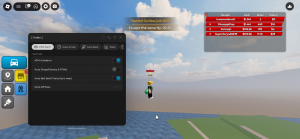
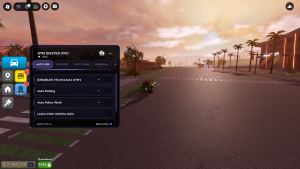
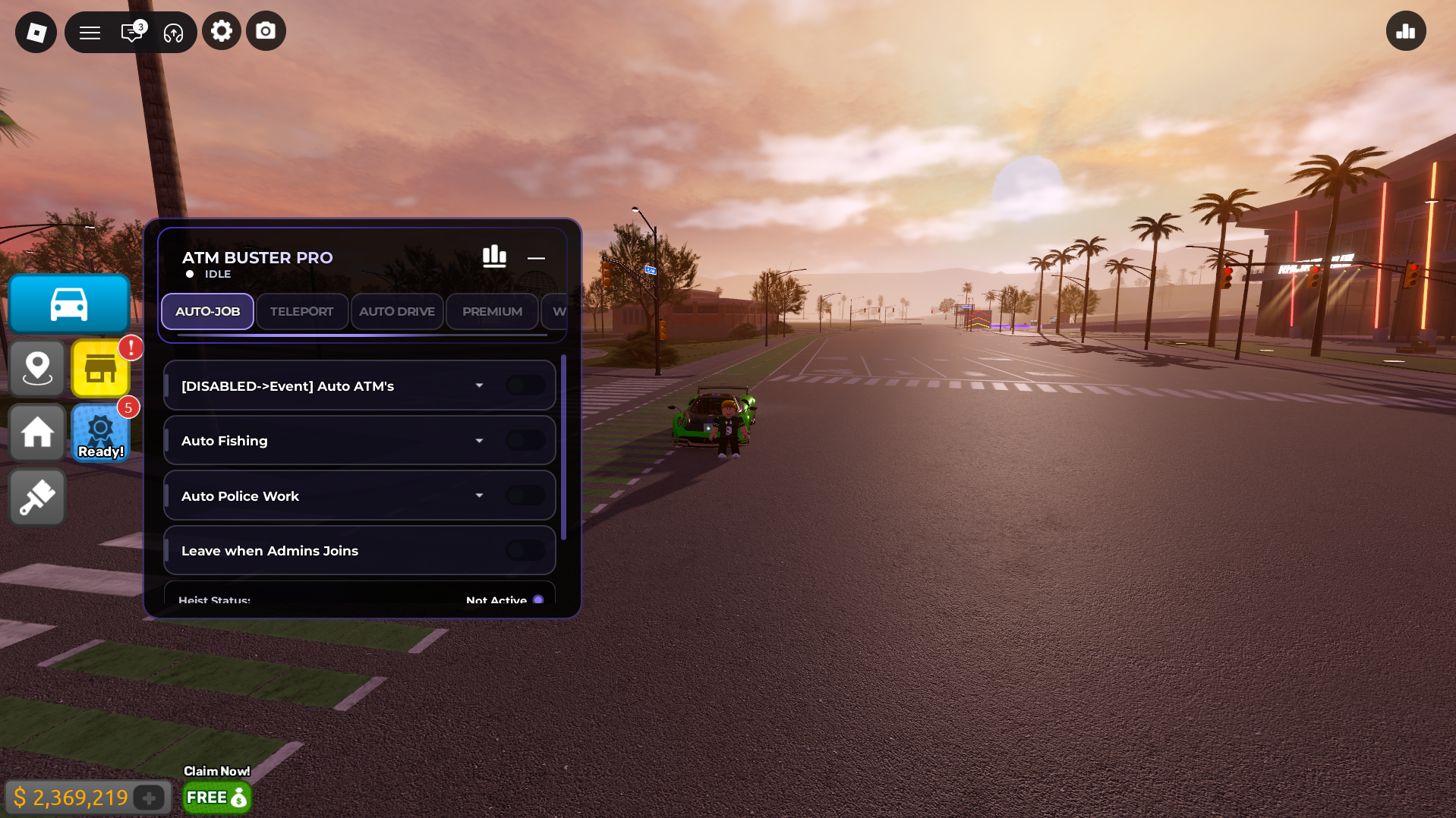
Automated Mission Progression Engine — Map objectives in Driving Empire typically involve navigating specific routes under time constraints. This module handles the entire pathway automatically, completing designated delivery routes and registering payouts to your balance seamlessly. Your mission income continues without requiring you to manually navigate every objective, freeing you to focus on vehicle customisation and exploration instead.
Auto Fishing Optimisation — The resource gathering mini-game is one of the more reliable background income sources in Driving Empire, but the timing mechanics make it tedious to run manually for extended periods. This feature handles every timing input flawlessly, gathering materials consistently in the background while you focus on other aspects of your garage build. It’s a passive income stream that most players leave on the table simply because the manual version is too repetitive to sustain.
Automated Career Role Modifier — Job roles in Driving Empire offer strong background income but require regular menu interaction to register and maintain. This module handles role registration automatically, cycling through available positions and claiming mission rewards and income the instant they become active. No more digging through menus or missing payout windows because you were focused elsewhere on the map.
Session Safety Monitor — This feature continuously monitors the active server roster and triggers a clean session transition automatically if it detects an elevated presence in your lobby. It’s a practical background feature for players running extended sessions who want their account integrity protected without having to watch the server list manually.
Setting Up ATM Buster Pro: Step-by-Step
- Copy the configuration — Use the repository link at the bottom of this guide to access the ATM Buster Pro configuration file. Copy the complete string to your clipboard, making sure the full text is captured.
- Open your dashboard application — Launch your ATM Buster Pro compatible dashboard software and confirm you’re on the latest available version before proceeding. Driving Empire updates regularly and older dashboard builds can lose compatibility after patches.
- Load into Driving Empire — Open Roblox and join an active Driving Empire server. Let your garage and the city environment load fully before moving to the next step.
- Apply and activate — With the game running, paste the configuration string into the dashboard input field and press apply. The ATM Buster Pro overlay will initialise on screen with each feature individually toggleable.
Getting the Most From Your Sessions: Strategy Tips
For pure cash accumulation, run the Mission Engine and Career Role Modifier simultaneously from the start. The two features stack income streams effectively — mission payouts and background job income running in parallel produces significantly better hourly earnings than either feature alone.
Server selection matters in Driving Empire. Low-population servers reduce competition for mission objectives and give the automation cleaner pathing through delivery routes. If you’re targeting a specific vehicle purchase, join a quiet server, enable the full dashboard, and let it run for an extended session rather than hopping between busy ones.
The Auto Fishing feature is best treated as a genuine passive layer rather than a primary focus. Enable it alongside your main income features and let it run quietly in the background — over a long session the additional resource income adds up to a meaningful contribution toward your next vehicle purchase.
[Driving Empire] Open-Source Repository Access
The script file is publicly hosted
Troubleshooting: Common Issues and Fixes
Features not loading after setup — Driving Empire receives regular updates including new vehicle additions, handling rebalances, and performance patches. Major updates can temporarily break dashboard compatibility. Update your dashboard to the latest available patch and reapply the configuration. Compatibility fixes typically follow within 48 hours of significant game changes.
Mission Engine stalling mid-route — If the automation pauses between objectives, toggle the feature off and back on to reset the pathing logic. This resolves the issue in most cases without needing a full restart.
Career Role Modifier not registering jobs — If the module stops cycling roles correctly after a game update, a full dashboard restart usually restores normal function. Reapply the configuration after restarting and the role detection should recover immediately.
Credits: Full development, testing, and optimisation credits belong entirely to the original community developer, RBXScriptz.
Quick Tip: Saving up for the most expensive cars in Driving Empire feels overwhelming when you’re doing it manually, but the gap closes faster than you’d expect with the Mission Engine and Role Modifier running together. Set a target vehicle, enable both income features at the start of a session, and check back after an hour — the balance growth will make the grind feel genuinely achievable.

JJK is the creator and the founder of Bloxhacks with years of experience under him he dedicated to reviewing, debugging and also sharing the best game utilities, with step by installation guides online.