Roblox Survive the Zombie Arena Guide (Valence v1)
01. Executive Summary of Utility Architecture
Survive the Zombie Arena presents a high-entropy environment where player survival is dictated by movement optimization, resource management, and reactive target acquisition. Given the exponential difficulty curve inherent in wave-based survival mechanics, manual input often results in performance plateaus. The Valence v1 utility provides a high-fidelity automation layer, essentially re-routing the game’s local input processing to prioritize efficiency, tactical kiting, and resource allocation. This report details the core modules required to bypass standard arena limitations.
02. Comprehensive Module Breakdown
The Valence v1 framework is comprised of four distinct logical processors designed to handle the stressors of high-intensity survival:
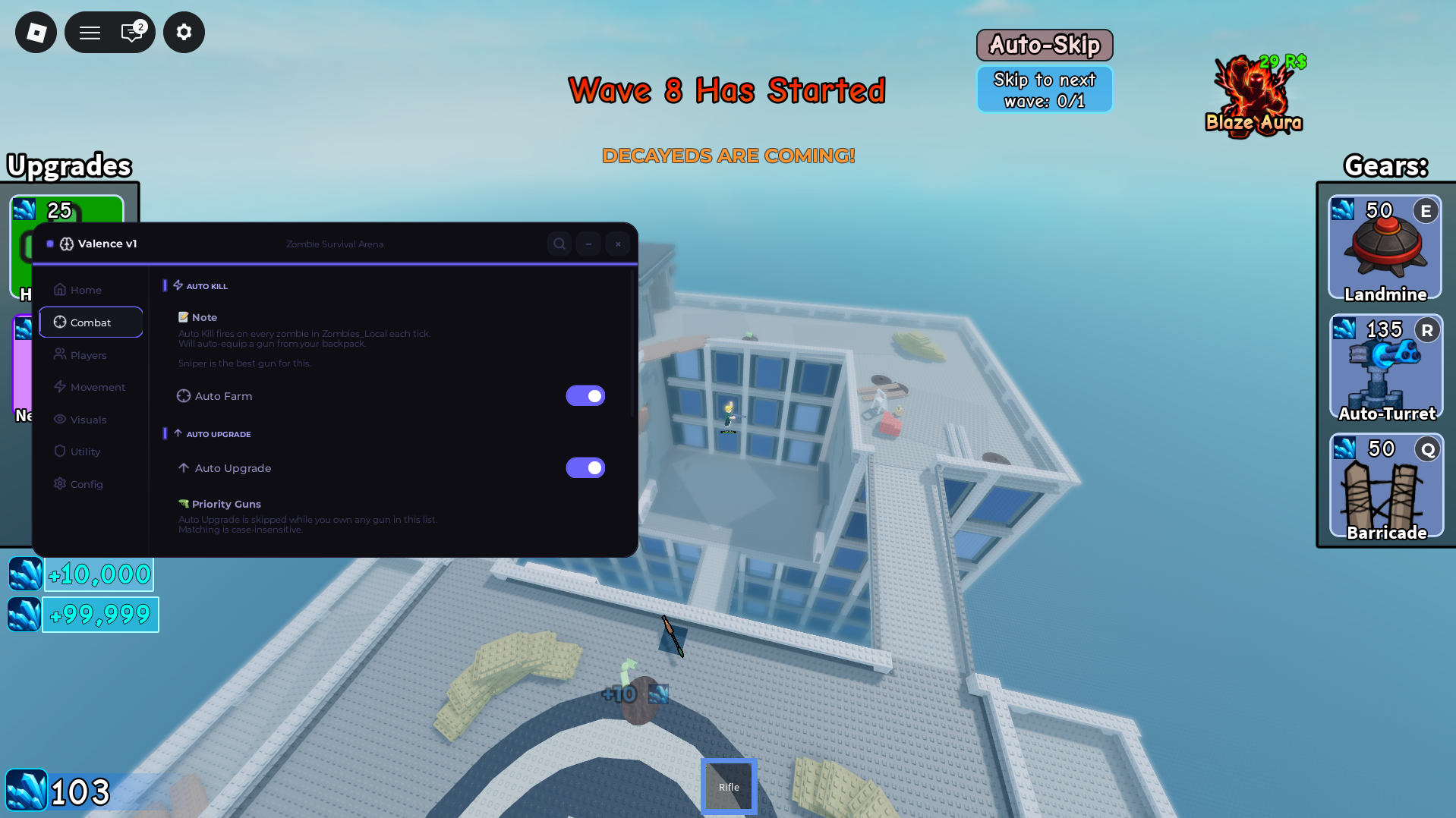
- Combat Engagement & Target Acquisition: The “Auto Farm” module employs a radius-based scanning algorithm to detect enemy entity spawns. It functions by calculating the optimal vectors for character positioning, effectively “kiting” the undead while simultaneously outputting consistent projectile logic. This eliminates the need for manual aiming and allows for the accumulation of currency and experience at a rate significantly higher than baseline player input.
- Automated Resource Lifecycle: The “Auto Upgrade” system acts as a background manager for your gear progression. By hooking into the local client’s wallet and shop-inventory APIs, this module monitors your financial milestones in real-time. Upon reaching the predefined cost thresholds for armor, perks, or weapon upgrades, the utility triggers a purchase command, ensuring your combat readiness scales in direct proportion to the incoming wave intensity.
- Kinetic Velocity Modulation: This module overrides the local character’s physics properties, specifically modifying the
WalkSpeedandJumpPowerattributes. In an arena where positioning is the primary defensive variable, the ability to manipulate these parameters allows the user to negate the reach of high-speed zombie variants, enabling superior map traversal and tactical repositioning. - Spatial Translocation Protocols: Bypassing traditional locomotion requirements, the “Instant Teleports” feature leverages the game’s internal
CFramepositioning data. By mapping specific coordinates—such as item spawn locations, safe-havens, or strategic defensive points—the module allows for instantaneous translocation, effectively removing the travel-time latency that typically restricts high-level gameplay.
03. Implementation and Deployment Standard
To integrate the Valence v1 panel into your local environment, strictly follow the verified deployment lifecycle:
- Framework Preparation: Ensure your third-party execution environment is fully compliant with the latest Roblox security runtime.
- Configuration Extraction: Utilize the link provided below to access the repository containing the raw source code. Copy this entire string to your local machine’s memory (clipboard).
- Active Session Integration: Load Survive the Zombie Arena and ensure the client instance is fully initialized.
- Process Injection: Open the console window of your execution utility, paste the Valence v1 configuration into the primary script field, and initiate the
Executecommand. The custom overlay will then map itself to the game’s UI layer.
04. Repository Assets and Source Transparency
The Valence v1 configuration is maintained via an open-source repository to ensure code integrity and visibility. Users are encouraged to verify the source text before deployment.
05. Operational Maintenance and Support
- Diagnostic Troubleshooting: Due to the dynamic nature of Survive the Zombie Arena (which regularly pushes balance patches and anti-cheat mitigations), the Valence utility may encounter runtime errors during major game updates. If the interface fails to hook into the game process, verify that your script engine version matches the current game build.
- Support Channels: For persistent functionality issues, contact the moderation team on our community Discord. This channel serves as the official distribution point for hotfixes and performance patches.
Engineer’s Note: Completing the wave comes with great difficulty but using the source this will help give you a edge and aid you in completing the waves fast and effectively make sure you enjoy.

JJK is the creator and the founder of Bloxhacks with years of experience under him he dedicated to reviewing, debugging and also sharing the best game utilities, with step by installation guides online.






