Roblox Lumber Tycoon 2 Guide (Dynxe Hub)
01. Field Logistics Overview
Lumber Tycoon 2 functions as a high-fidelity physics simulator where capital growth is directly tethered to the manual transport of timber assets. The standard gameplay loop—traversing hazardous terrain, mitigating vehicle instability, and managing store interactions—introduces significant latency into the production cycle, often hindering high-level expansion. The Dynxe Hub provides a centralized control interface designed to manipulate these physical constraints, essentially abstracting the “logistics” phase of the game into a singular, automated workflow that prioritizes economic throughput over manual effort.
02. Advanced System Functionality
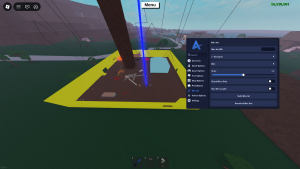
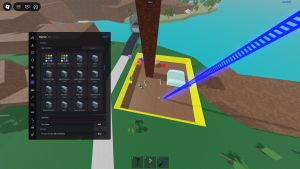
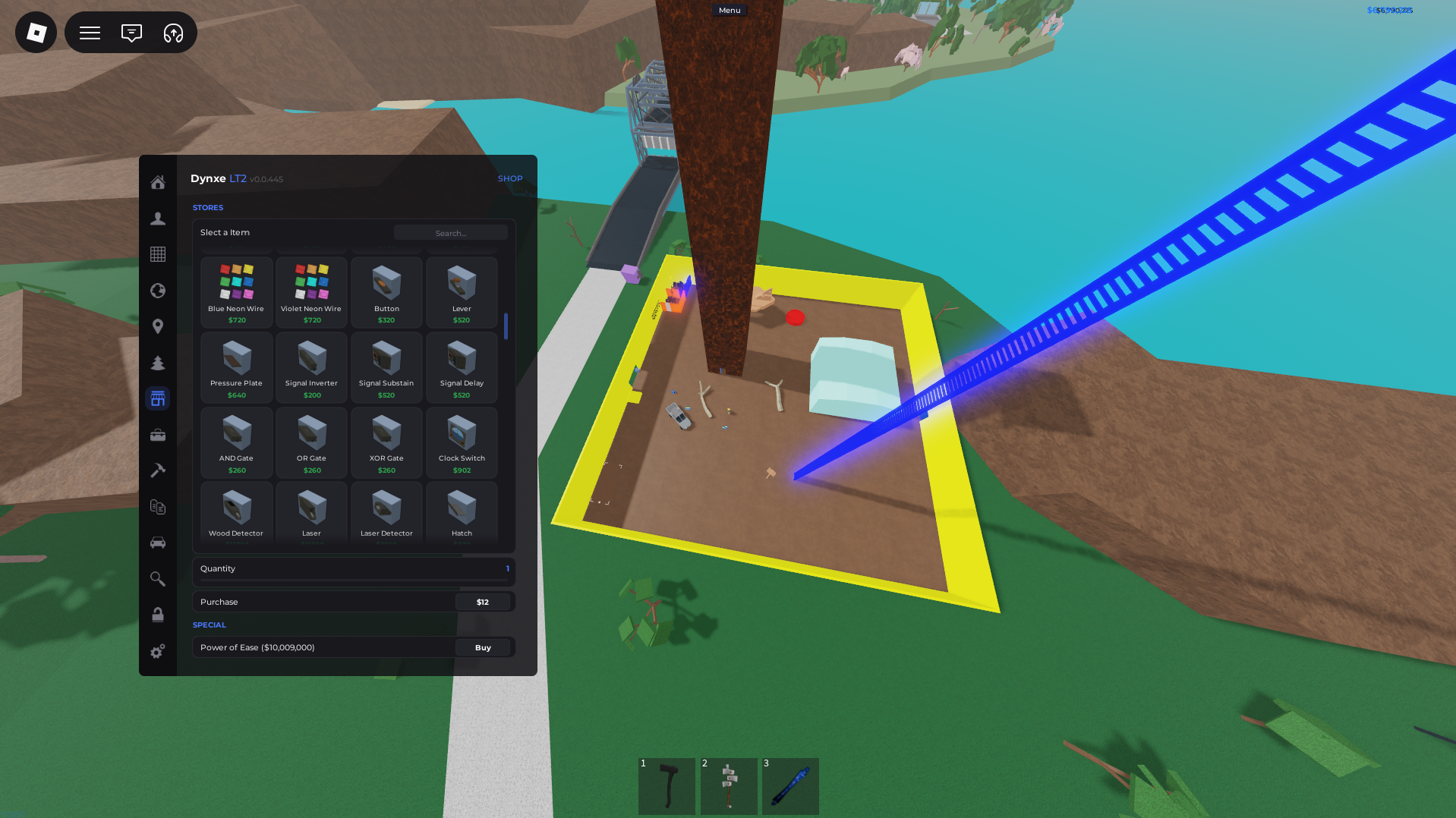
The Dynxe Hub framework operates through four primary logic modules designed to overhaul your production pipeline:
- Log Translocation Protocol: This module utilizes a spatial coordinate override for the game’s timber entity registry. By detecting the location of rare tree assets, the utility triggers a translocation command, causing the logs to bypass traditional transport entirely and appear directly on your designated mill plot for immediate processing.
- Automated Procurement Logic: This system handles all interactions with the game’s various shopkeeper APIs and registries. It continuously monitors your current liquid capital and autonomously triggers purchase commands for essential axes, blueprints, and vehicle attachments the moment funds become available, ensuring your equipment never falls behind your production needs.
- Kinetic Velocity Modulation: By accessing the local character’s physics properties, this module allows for the fine-tuning of your avatar’s
WalkSpeed. This is essential for navigating the massive game map, allowing for rapid traversal across landmasses, town centers, and plot lines in a fraction of the time required by default movement settings. - Point-to-Point Spatial Warping: Navigating complex mountain roads via utility vehicle often carries the risk of physical destabilization and cargo loss. This module taps into the server’s spatial grid, providing an instant warp function that allows you to translate your character or vehicle directly to high-value coordinates, such as the Wood Elves’ shop or the volcano biome, without the risk of road transit.
03. Workflow Architecture and Deployment
- Environment Sync: Ensure your third-party execution framework is fully patched and configured to match the current Roblox security runtime.
- Resource Ingestion: Use the secure repository link provided below to copy the Dynxe Hub configuration payload directly to your local dashboard clipboard.
- Active Hooking: Launch Lumber Tycoon 2 and synchronize your utility engine to the game’s active memory process once the environment has stabilized.
- Interface Deployment: Paste the configuration string into your primary console window, execute the initialization sequence, and verify the overlay is active within your viewport.
04. Repository Assets and Code Integrity
To maintain transparency and system stability, access to the raw configuration file is restricted to verified deployment instances. This ensures you are always running the most stable, version-controlled iteration of the framework.
05. Diagnostic and Technical Support
- Runtime Stability: Given the specific nature of the game’s economy and the frequent implementation of server-side validation checks, the Dynxe Hub may require periodic recalibration following game updates. If the utility fails to hook into the game process, clear your temporary script cache and re-verify the repository source integrity.
- Support Integration: For deep-level diagnostic assistance, refer to the active engineering channels on the community Discord server. Our engineering team provides real-time hotfixes and performance patches specific to current server-side logic adjustments.
- Engineering Credits: All structural logic, spatial coordinate mapping, and optimization code for this simulation engine are the sole creation of the developer, Dynxe.
Analyst’s Note: The main constraint of this simulator, physical carriage of expensive logs, you are basically exchanging direct manual hauling for pure wealth generation enjoyment for gamers, use your community Discord server now! Our moderation group frequently gives us new script updates and quick work around hotfixes, to keep your lumber mill efficient and running perfectly.

JJK is the creator and the founder of Bloxhacks with years of experience under him he dedicated to reviewing, debugging and also sharing the best game utilities, with step by installation guides online.